True Security Gear is reader-supported. When you buy through links on our site, we may earn an affiliate commission. This doesn't affect our verdicts.
The three cameras that actually make a burglar walk past your house are the ones a person can see from the sidewalk without squinting: a doorbell camera mounted at the front door, a spotlight or floodlight camera covering the driveway, and a second camera watching whichever side door or gate isn’t visible from the street. That’s it. Resolution, night-vision range, cloud AI tagging, none of that ranks in the top three reasons a camera stops someone from trying your door. Visibility does. A camera someone notices while they’re still deciding whether to bother is worth more than a hidden 4K unit that only proves what happened after the fact.
Our take
Skip the spec sheet arms race. A Ring Video Doorbell or Google Nest Cam at the front door, a Wyze Cam v4 or Arlo Essential Spotlight at the driveway, and one budget unit on the side gate covers the three spots that matter. Mount them where they’re obvious, not where they’re clever.
Does a Visible Camera Deter a Burglar?
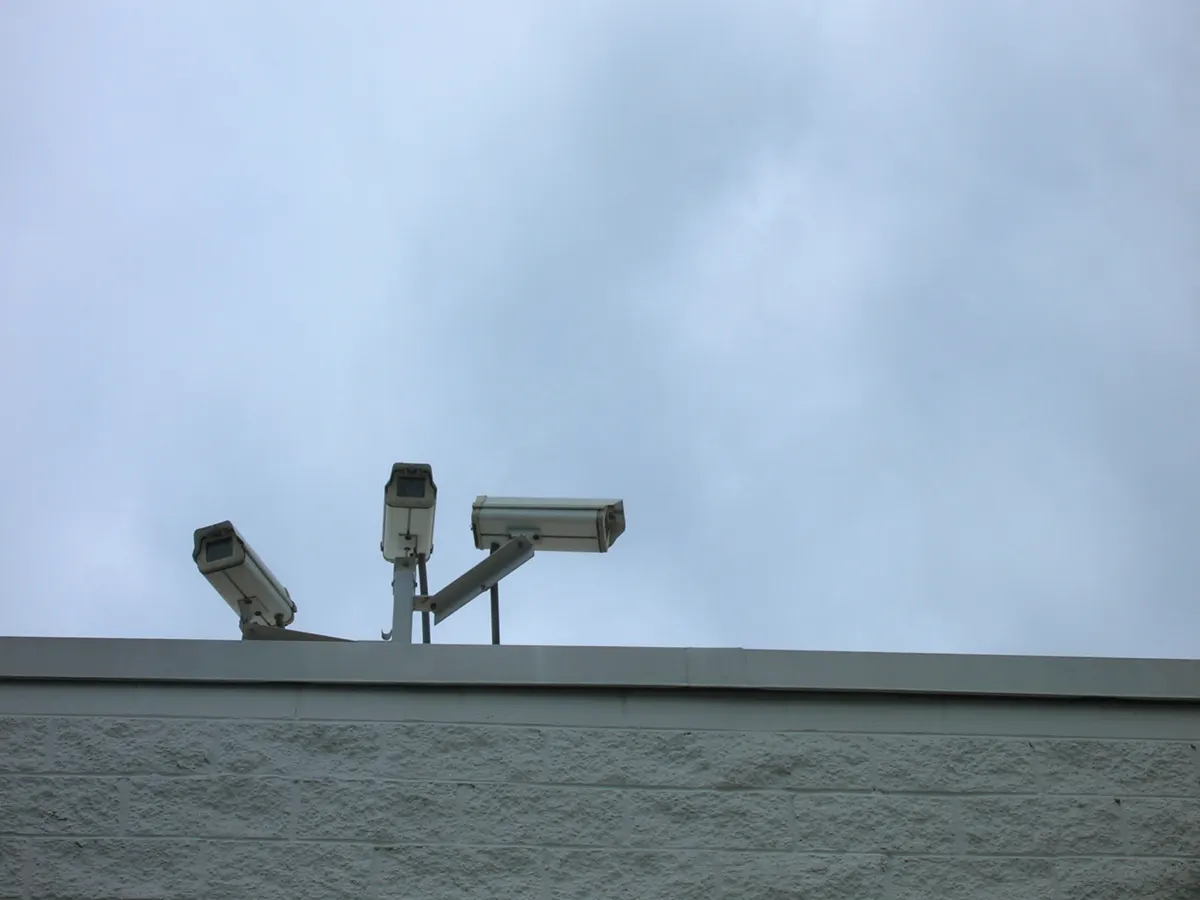
Ask a locksmith, a home inspector, or anyone who’s worked residential alarm sales for a decade and you’ll get roughly the same answer: burglars are opportunists working on a clock, and anything that adds friction or attention sends them to the house next door instead. Which is the whole argument for placement: a visible camera near an entry point changes behavior more reliably than one tucked into a soffit where nobody, including a would-be intruder, would ever spot it.
That doesn’t mean the camera has to look aggressive. A doorbell-shaped unit reads as normal, which is part of why it works, it signals “this house is set up,” not “we’re afraid of you.” The goal isn’t a fortress look. It’s making it obvious, at a glance, that someone left evidence of paying attention.
Neighborhood watch groups and local police social media accounts repeat a version of the same line every few months: most residential break-ins are quick, five minutes or less, and the person doing it is scouting for the path of least resistance. A camera doesn’t need to be sophisticated to break that math. It needs to be seen early enough that the calculation changes before anyone touches a door handle. That’s a different job than catching a professional who cased the block for a week, and it’s worth being honest about the difference. A doorbell camera stops the opportunist. It slows down, but doesn’t stop, someone who already knows your schedule.
There’s a secondary effect worth mentioning too. Packages left on a porch, car break-ins in a driveway, someone testing door handles on a walk down the block, all three show up in the same category of “crime of convenience” that a visible camera interrupts. You don’t need enterprise-grade gear for any of it. You need the camera to be where the person walking past will notice it.
How Many Cameras Does a Typical House Need
Three, for most single-family homes, and that number holds up better than people expect once you map it against how houses get approached. One at the front door doing double duty as a doorbell and package monitor. One aimed at the driveway or garage, since that’s where a car, tools, and often a side door all cluster together. One on whichever entrance faces away from the street, the spot every house has that nobody driving by would ever look at twice.
Bigger lots or corner houses sometimes need a fourth for a detached garage or a gate on the far side of the yard, but past four cameras you’re usually paying for coverage that duplicates what the first three already catch. Apartments and townhomes need a different math entirely, since drilling and permanent mounts are often off the table, and we cover that separately in our renter-focused placement guide linked further down.
Common Placement Mistakes That Cancel Out a Good Camera
The single most common mistake is mounting too high. People assume higher means safer from tampering, and to a point that’s true, but a camera mounted twelve feet up staring down at a steep angle mostly captures the top of someone’s head and a foreshortened body. Eye level to about seven feet is the sweet spot, high enough to discourage a quick grab, low enough to still get a usable face angle.
Backlighting is the second one. A camera facing a bright porch light or the morning sun washes out everything in front of it, turning a would-be witness shot into a silhouette. Angle cameras so the light source is behind the lens, not in front of it, even if that means a slightly less flattering mounting spot.
And the third: covering the same fifteen feet of driveway with two cameras while the actual side gate sits completely dark. It happens because the driveway is the easiest spot to mount a camera, not because it’s the spot that needs a second one. Walk your property line once, note every point someone could reach a door or window without crossing open lawn, and make sure each one has a camera or a light, not just the spots that were convenient to wire.
The Cameras Worth Mounting Where People Will See Them
These three cover the entry points that get tested first: front door, driveway or garage, and the side or back entrance most houses forget about.
Ring Video Doorbell (Wired or Battery)
The default front-door pick, and there’s a reason it’s the one most delivery drivers and salespeople already recognize.
- Motion alerts land on your phone before someone finishes knocking.
- Battery version installs without touching existing wiring, wired version skips the recharging chore entirely.
- Works fine without a paid plan, you just lose recorded clip history, not live view.
DIY install Renter-friendly
Ring Video Doorbell on Amazon
Arlo Essential Spotlight Camera
Built for exactly the driveway-and-garage job, the built-in light does double duty as both illumination and announcement.
- Integrated spotlight triggers with motion, which is the visible-deterrent part of the equation.
- Battery-powered, so it goes almost anywhere without an electrician.
- Siren option adds a second layer if someone lingers near the car.
DIY install
Arlo Essential Spotlight Camera on Amazon
Wyze Cam v4
The budget workhorse for the side gate or back door, cheap enough that mounting three of them barely dents the total.
- Color night vision without a spotlight, useful for spots you’d rather not floodlight all night.
- Local microSD storage keeps footage free of a monthly bill.
- Small enough to mount low and angled, which matters more than people think.
Under $50 No monthly fee
Wyze Cam v4 on Amazon
| Model | Power | Install | Price band |
|---|---|---|---|
| Ring Video Doorbell | Battery or wired | Screws into existing doorbell wiring or freestands with included mount | Under $100 for the base model |
| Arlo Essential Spotlight | Rechargeable battery | Two screws, no wiring | $100–$150 range |
| Wyze Cam v4 | Plug-in or battery variant | Adhesive or screw mount, five minutes | Under $50 |
| Google Nest Cam (battery) | Rechargeable battery | Magnetic mount, no tools needed | $100–$180 range |
Placement Beats Resolution, Every Time
People upgrade to a sharper sensor when the real fix is moving the camera six feet to the left. A 2K camera aimed at a wall corner catches nothing useful. A 1080p camera aimed straight down a walkway catches a full face at eye level. If you’re choosing between spending extra on resolution or spending five more minutes on where the bracket goes, spend the five minutes.
Three placement habits do most of the work. Mount at roughly seven feet, high enough to avoid casual tampering, low enough to still get a usable angle on a face rather than the top of a hood. Point along the natural path someone would walk, not straight out from the wall. And put at least one camera somewhere obvious, because the deterrent effect depends on someone noticing it exists before they’ve committed to anything. Our guide on where to put a camera when you’re renting goes deeper on angles that survive a lease inspection.
If you’re deciding between a wired unit that never needs charging and a battery model you swap out every few months, the tradeoffs come down to your door frame and your patience for maintenance. We broke it down fully in wired versus battery video doorbells.
Three 2K cameras recording continuously produce about 190 GB a day. Cut them to an hour of motion clips and it falls under 8 GB, which is the difference between needing a recorder and needing a memory card. The camera storage calculator runs that for your own count and resolution.
Do You Need to Pay a Monthly Fee for This to Work?
No, and this trips up more people than it should. The deterrent value of a visible camera has nothing to do with a monthly cloud plan. A camera that only shows live view and sends a push notification, no recording plan attached, still does the job of making someone reconsider. If you want recorded clips to hand to police or insurance, that’s a different need, and a handful of models solve it with local storage instead of a subscription. We rounded up seven of them in video doorbells that skip the monthly fee entirely.
A common assumption is that a fake or empty-shell camera does the same job for less money. It doesn’t, not reliably, and we go through the evidence for it in do fake security cameras stop burglars.
Where the subscription earns its cost is search and history, being able to scrub back three weeks to find the delivery driver who left a package in the wrong spot, or export a ten-second clip for an insurance claim without digging through a memory card manually. That’s a convenience purchase, not a deterrence purchase. Separating those two decisions in your head before you buy saves a fair amount of money, most people don’t need to pay $4 to $10 a month per camera just to get the effect a $50 camera already delivers on its own. Power is the other constraint, and where no outlet reaches, the solar option starts looking tempting, so whether it holds through a real winter is the question we put to it in is a solar security camera worth it.
Wi-Fi, Power, and the Parts Nobody Mentions Until Install Day
Every camera on this list needs a wireless signal reaching the mounting spot, and that’s the detail that trips up more installs than anything else. A driveway camera thirty feet from the router, behind a brick wall, is going to drop connection and miss the exact moment it was supposed to catch. Before buying, walk to where you plan to mount the camera with your phone and check the Wi-Fi bars. If it’s weak, a mesh extender or a Wi-Fi range extender solves it for less than the cost of upgrading to a pricier camera that won’t fix a signal problem anyway.
Power is the other fork in the road. Battery models install anywhere in twenty minutes with two screws or an adhesive mount, and that flexibility is worth a lot, but every battery camera needs periodic recharging, typically every one to three months depending on how much motion it’s catching. Wired models solve that permanently at the cost of an install that may need an electrician or at least some comfort with a drill and a fish tape. For a full breakdown of which situation favors which, our doorbell-specific comparison goes further into the tradeoff.
Pairing Cameras With the Rest of Your Perimeter
A camera alone is one layer. Motion-activated lighting is the other half of the visible-deterrent combo, and the order you install them in matters, most homes get more value from the light going in first. That comparison lives in cameras versus motion lights, which do you need first. And if you’re renting and can’t drill into siding or brick at all, the whole visible-camera strategy still works, it just needs different hardware. Start with our renter’s guide to apartment security that doesn’t touch the walls.
Frequently asked questions
Do visible security cameras really stop break-ins?
Yes, in the majority of cases. A camera positioned where it’s obvious removes the element of surprise most opportunistic burglars are counting on.
Is a doorbell camera enough, or do I need more than one?
A doorbell camera alone covers the front door only. Most homes have at least one other entry point, a side gate, garage, or back door, that never gets tested by a burglar precisely because it’s unwatched. A second budget camera there closes that gap for well under $50.
Do I need a subscription for a camera to deter burglars?
No. The deterrent effect comes from visibility and live alerts, not from whether footage is stored in the cloud. A subscription only adds value if you specifically want recorded clip history after the fact.
Should I hide my camera or make it obvious?
Make it obvious for the deterrent job. A hidden camera only helps after something has already happened, an obvious one changes what happens in the first place. Most homes benefit from one obvious camera and, if wanted, a second hidden one for verification.
How many security cameras does a house need?
Three covers most single-family homes: front door, driveway or garage, and one entrance facing away from the street. Larger lots or corner properties sometimes add a fourth for a detached garage or back gate, but coverage past that point usually overlaps what the first three already see.
Who checked this
True Security Gear does not run a test lab and does not take units apart. One half of the work is documents: manufacturer specs, certifications, and seller claims checked against the paperwork. The other half is the record owners leave behind, in verified-buyer reviews, owner forums, and warranty complaints. Where that evidence is thin we say it is thin, rather than filling the gap with an adjective. The criteria are on How we evaluate.
Google lets you pick which sites come up first in your own results.